SelfContour
Support
SelfContour support can help with app issues, purchase restore questions, privacy questions, and feedback about the product experience.
Contact support
Email support@selfcontour.uk. Include your device model, iOS version, app version, and a short description of what happened. Please avoid including sensitive health details unless you decide they are necessary.
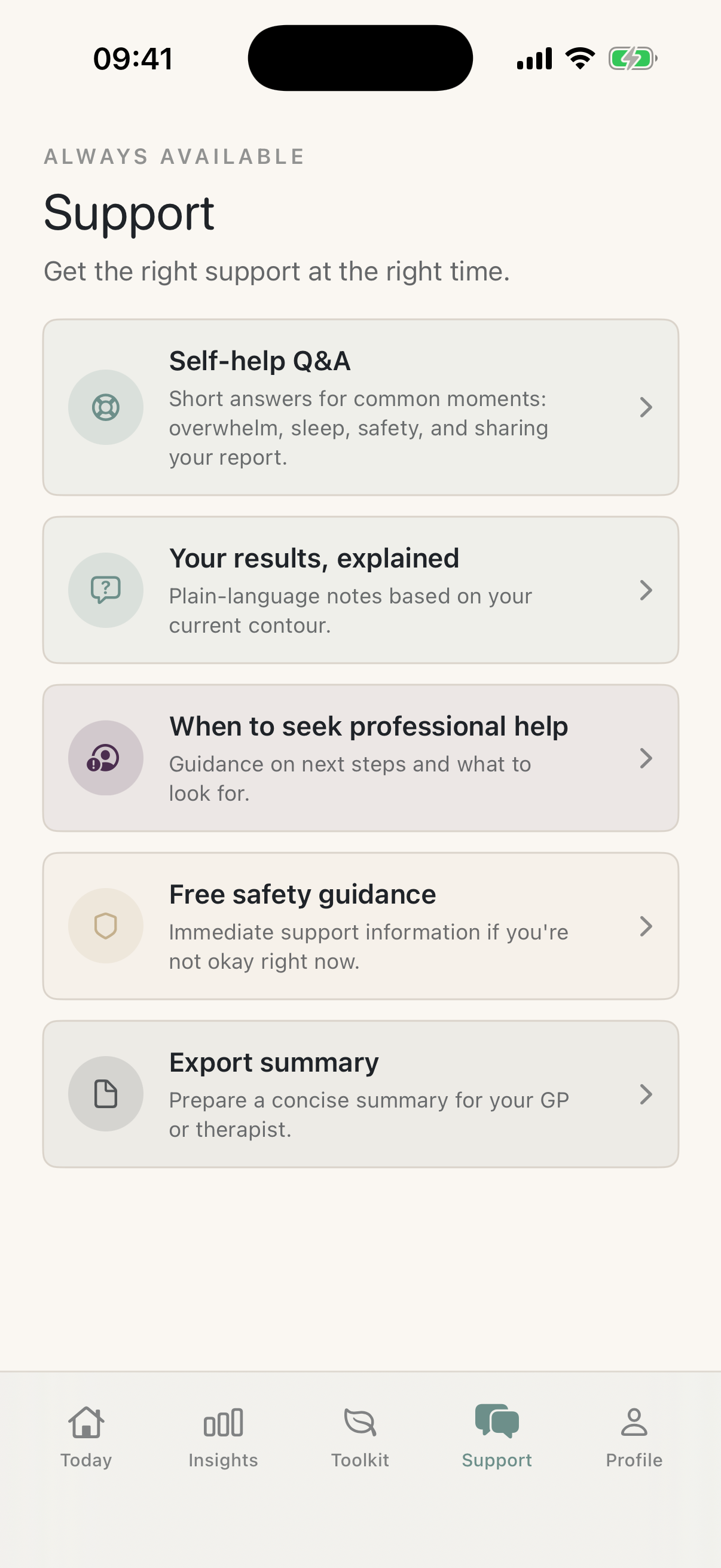
If you need urgent help
SelfContour is not a crisis service.
If you or someone else is in immediate danger in the UK, call 999 or go to A&E now. If you need urgent mental health help but it is not an emergency, use NHS 111 online or call 111. You can also call Samaritans free on 116 123 for emotional support.
Purchases and restore
Privacy support
SelfContour is designed so assessment answers and mood check-ins remain on your device for the MVP. Read the Privacy Policy for details. For privacy questions, email support@selfcontour.uk.
Common questions
Does SelfContour collect my assessment answers?
No. The MVP is designed so assessment answers are used locally to generate your report and are not uploaded to a SelfContour server.
Is SelfContour therapy?
No. SelfContour is a reflection and wellbeing-support app. It is not medical advice, diagnosis, therapy, or emergency help.
Why does the app use RevenueCat?
RevenueCat helps check whether your App Store purchase unlocks Selfcontour Pro and lets the app restore access after reinstalling.
How do I remove my local data?
Deleting the app removes local app data according to iOS behaviour. A future version may add an in-app reset control.